Taking part in a study that uses Caracal.
If a research team has invited you to a study on Caracal, here is what taking part is like, what is kept, who sees it, and how to stop. Your study’s own consent form says exactly what that study does with your answers.
Answering takes a few minutes, wherever you are.
A study asks you a few questions on a schedule, every day or every week. Each one takes a spoken answer, a written one, or either, and some can be skipped.
- You get an email when your questions open. It says how many there are and when they close, never what they ask.
- Open the link on your phone or computer. There’s nothing to install and no password.
- Tap to talk, or type instead. You can listen back, or record again, before you send.
- If you stop partway, what you’ve written is kept for when you come back.
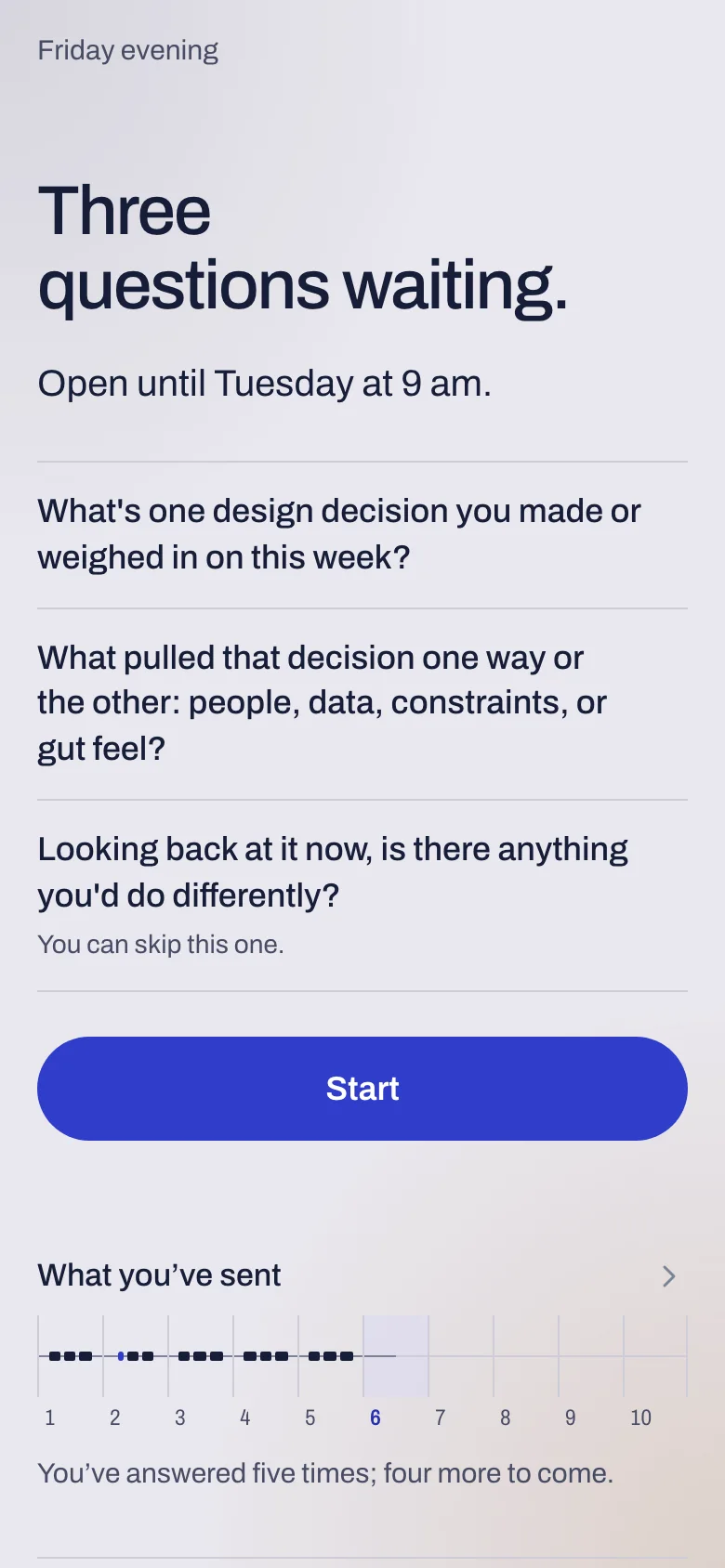
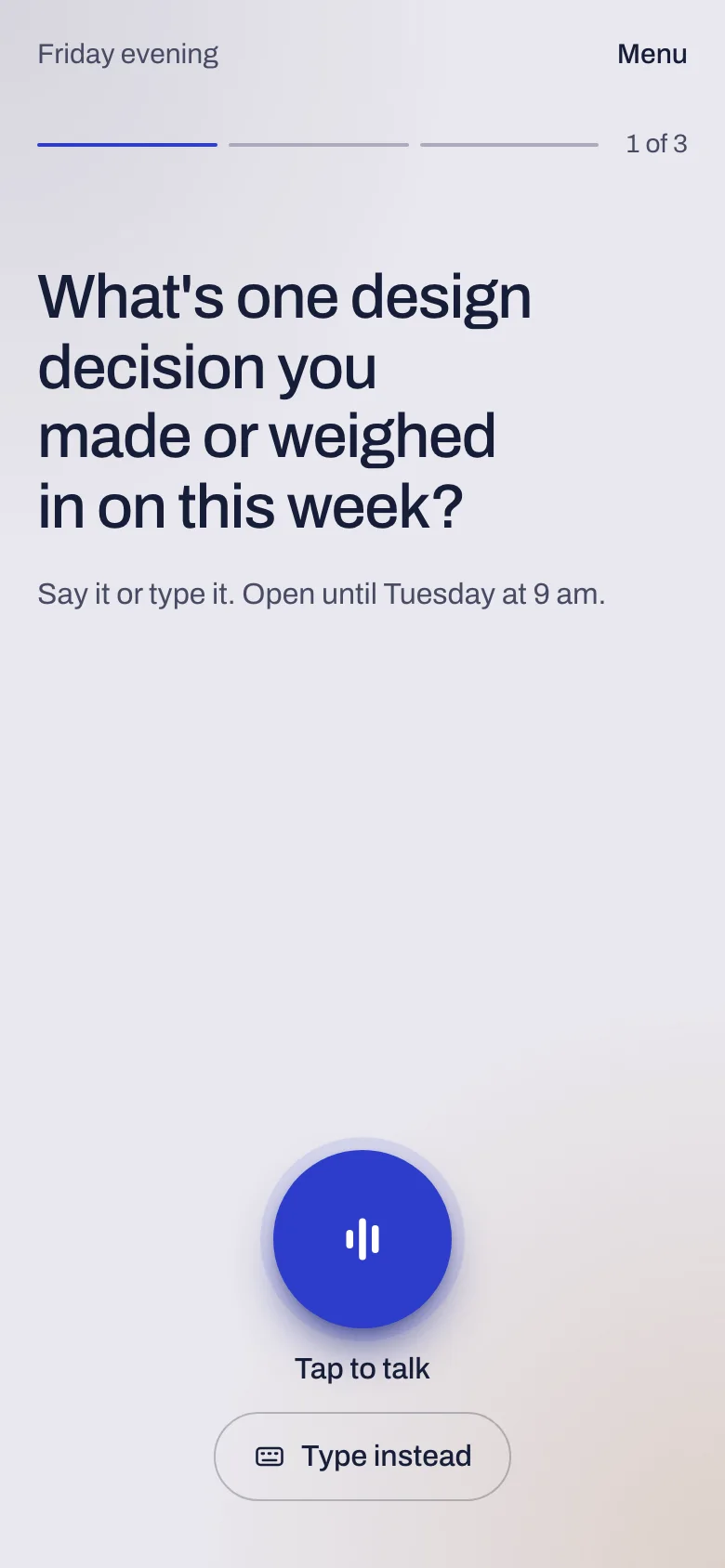
What’s kept, and who sees it.
Your answers go to the research team running your study. In the data they analyze, you appear as a code such as P-014, not by your name.
- A recording stays on your device until you send it. A study can turn this off if people answer on shared computers.
- Each answer is stored with the version of the consent form you had agreed to when you gave it.
- If the consent form changes, you’re asked to read and agree to the new version before you answer again.
Stopping, and deleting your answers.
You can stop taking part from your own page in one step, without having to explain why.
- What you sent before you stopped is kept under your study’s rules, which its consent form describes.
- You can ask for your answers to be deleted. The research team decides, and you can read their decision on your page.
- An approved deletion runs at the next processing cycle.
Questions about your study.
Your page names the research team’s contact and the study’s ethics reference. Write to them about anything to do with the study: they run it, and Caracal only carries it.